Upload a photo
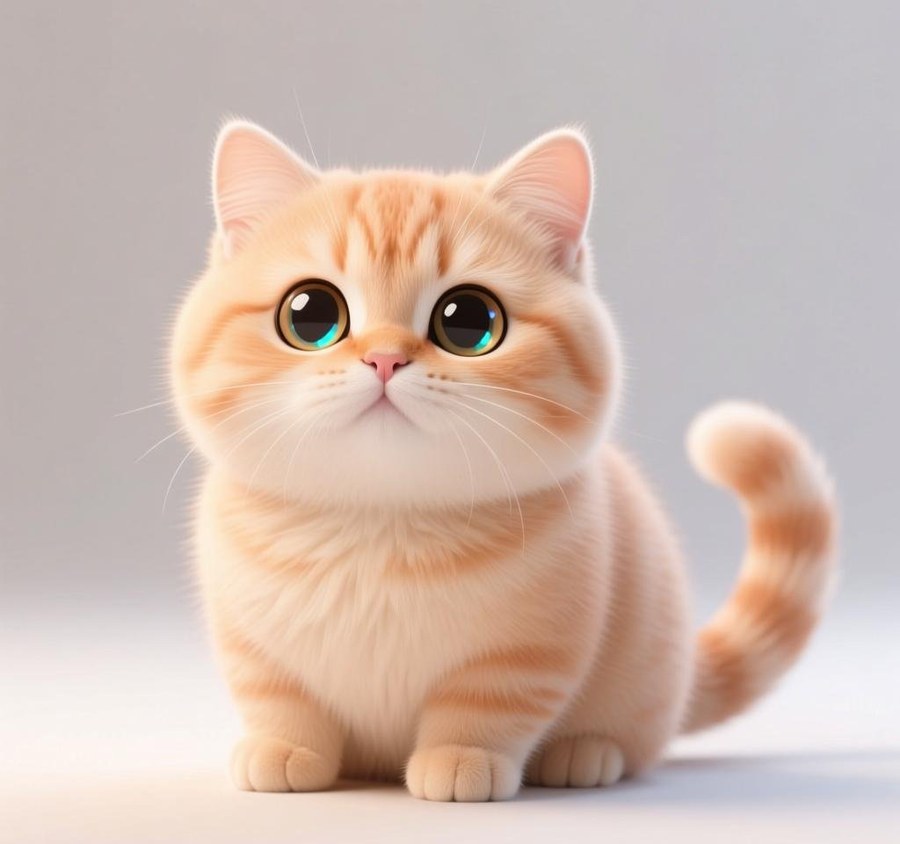
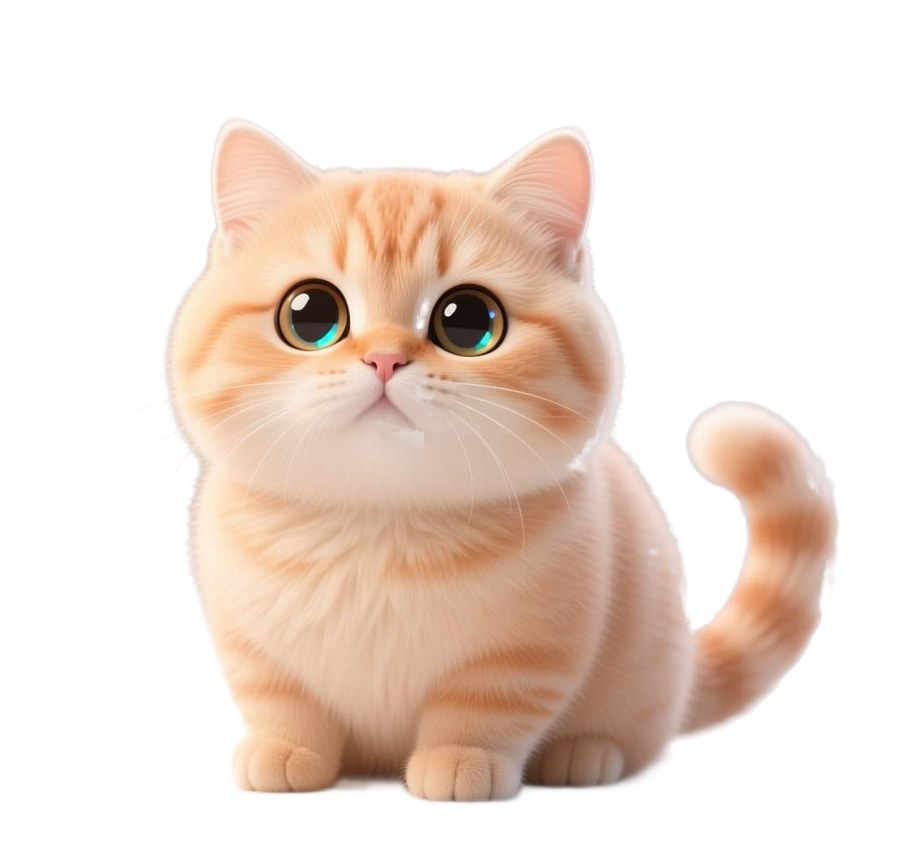
Choose a JPG, PNG or WebP image. Before you upload, the page shows a draggable example so you can see the kind of result to expect.
Upload a photo and it is cut out automatically. Your file never leaves the device.
Apache-2.0 licensed weights, served from this site. No image leaves the browser.
The 4.3 MB model is fetched once and then cached by the browser. Later images process much faster.
U2-NetP weights are Apache-2.0 (Xuebin Qin et al.); ONNX Runtime Web is MIT. Attribution: /NOTICE.txt.
The segmentation model runs in your browser, so there is no upload and no manual Start button. Upload a photo and the cut-out appears automatically.
Choose a JPG, PNG or WebP image. Before you upload, the page shows a draggable example so you can see the kind of result to expect.
U2-NetP detects the main subject and builds a transparency mask. You can follow the progress state while the model works locally.
Preview transparent, white, a custom colour or an uploaded background image. Adjust the export size, then download a PNG.
It is built around a simple promise: the image stays on your device, the result is easy to inspect, and the model licence is clear.
The ONNX model and WASM runtime are served by this site and executed in your browser. No photo is sent to a server.
There is no Start button to hunt for. Choosing a file begins the cut-out immediately.
Download a clean PNG with a transparent background, ready for product pages, slides or design work.
Check edges against transparency, white, any custom colour, or a background image you upload.
Change width and height before downloading, with an optional locked aspect ratio and a one-click reset.
U2-NetP weights are Apache-2.0 and ONNX Runtime Web is MIT. Attribution and licence texts are published on this site.
A transparent subject is useful whenever the same image has to live on more than one background.
Create consistent product images for Shopify, Amazon, Etsy and other marketplaces without a studio shoot.
Remove a messy room or busy street from a portrait used on a profile, CV or company site.
Turn a white-background logo or signature into a transparent graphic for slides and packaging.
Isolate a pet from a busy background for a card, poster or social post.
Prepare clean cut-outs of furniture or fixtures for listings and mood boards.
Place a subject on a brand colour or a custom background before publishing.
People who need a usable cut-out now, without sending customer or personal photos to a third party.
Keep product images consistent across platforms and replace backgrounds without a repeated studio setup.
Get a transparent PNG quickly, then drop it into a layout, deck or ad creative.
Make thumbnails and social visuals with a clean subject on a colour or image you control.
Once the background is gone, these tools help you package and share the result.
Reduce the file size of a finished image before uploading it.
Image compressorPlace several cut-out products or portraits into one grid.
Photo grid makerCombine supporting screenshots into a long image or PDF.
Long image stitcherSee all four private image tools in one place.
All image toolsThe model runs in your browser, the result is visible immediately, and the licence terms are public.
Open the background removerA U2-NetP neural network runs directly in your browser through ONNX Runtime Web. It analyses the image and produces a transparency mask, then applies it with the Canvas API. Your image is never uploaded to a server.
Yes. The U2-NetP weights are licensed under Apache-2.0 and ONNX Runtime Web is MIT licensed. Full attribution is in NOTICE.txt. You may use the cut-out images commercially without paying a licence fee.
The 4.3 MB model file has to be downloaded and loaded into the browser once. Subsequent images in the same session process much faster, and the model stays cached for future visits.
Yes. The download is a PNG with a transparent background. You can preview it against transparency, white or a custom colour before downloading to check the edges.
Images with a clearly defined subject and a contrasting background work best. Fine hair, fur and glass are difficult for any segmentation model, so expect slightly soft edges in those areas.
Background removal handles one image at a time so you can check each result. There is no batch limit — repeat the process for as many images as you need.